
Portfolio · complete
The Retro House
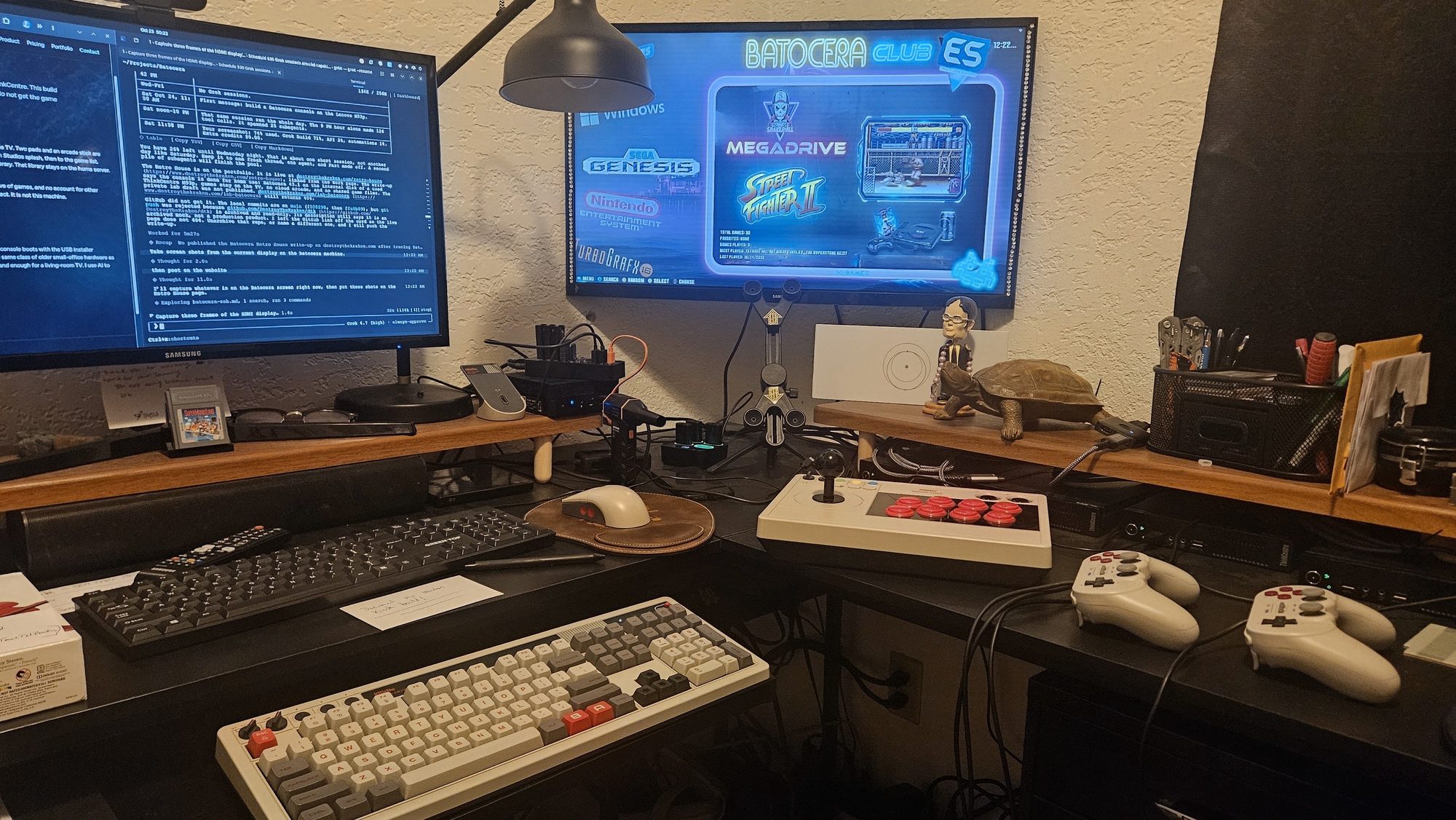
My home lab in Omak. The TV is on the network, and I develop on it as the monitor. Games stay in the house. Friends do not get the game files.
On the TV
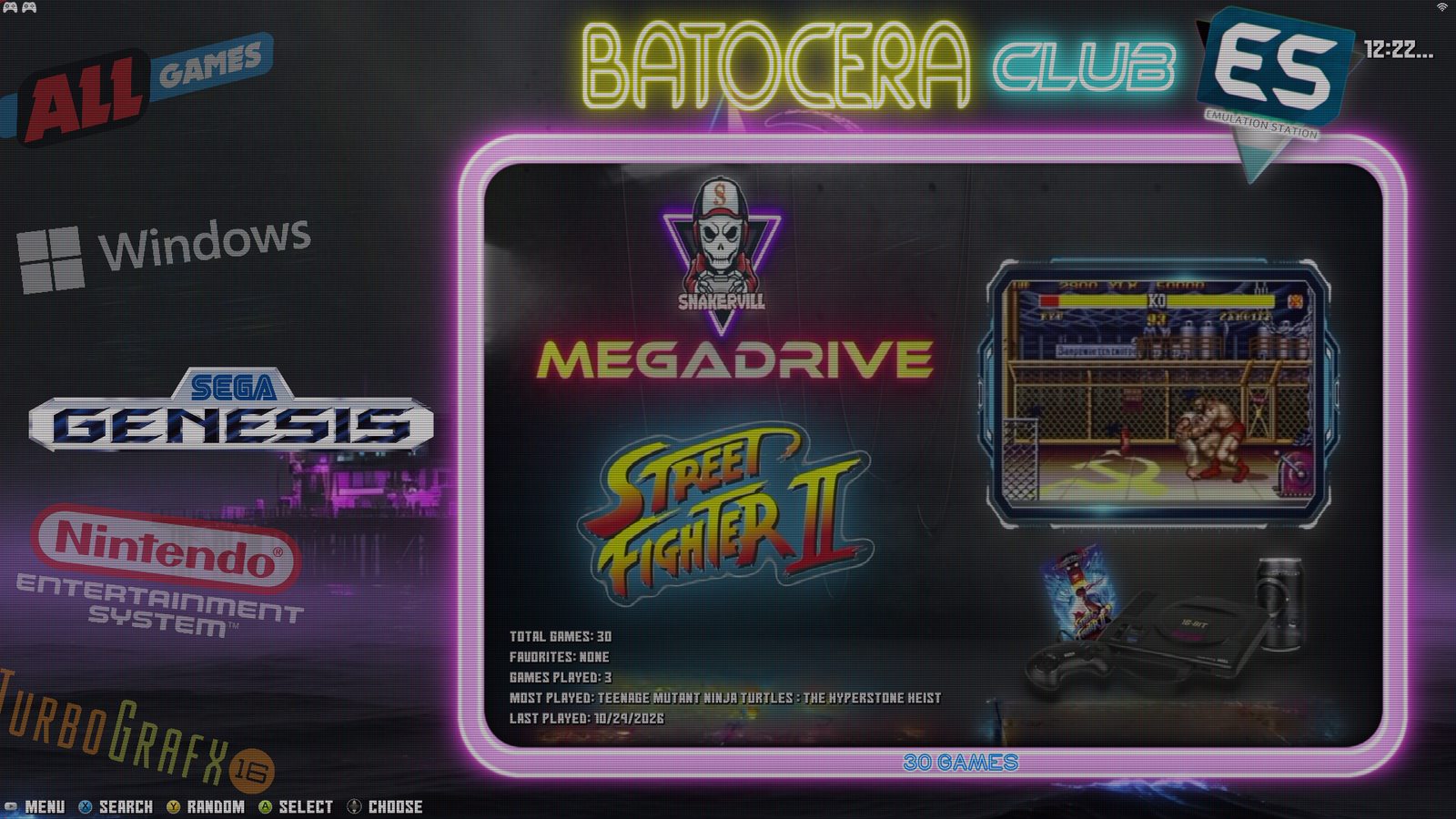
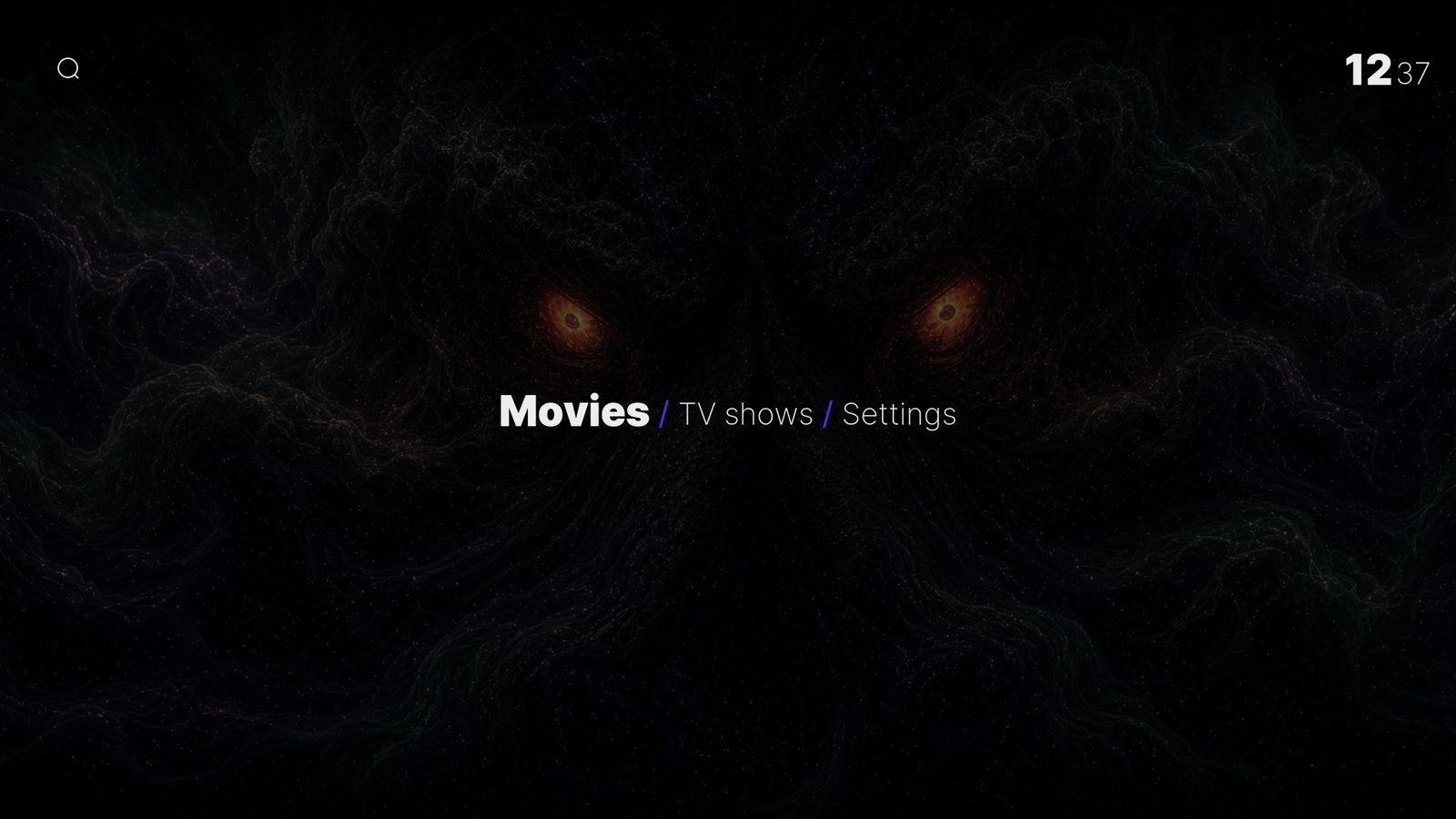
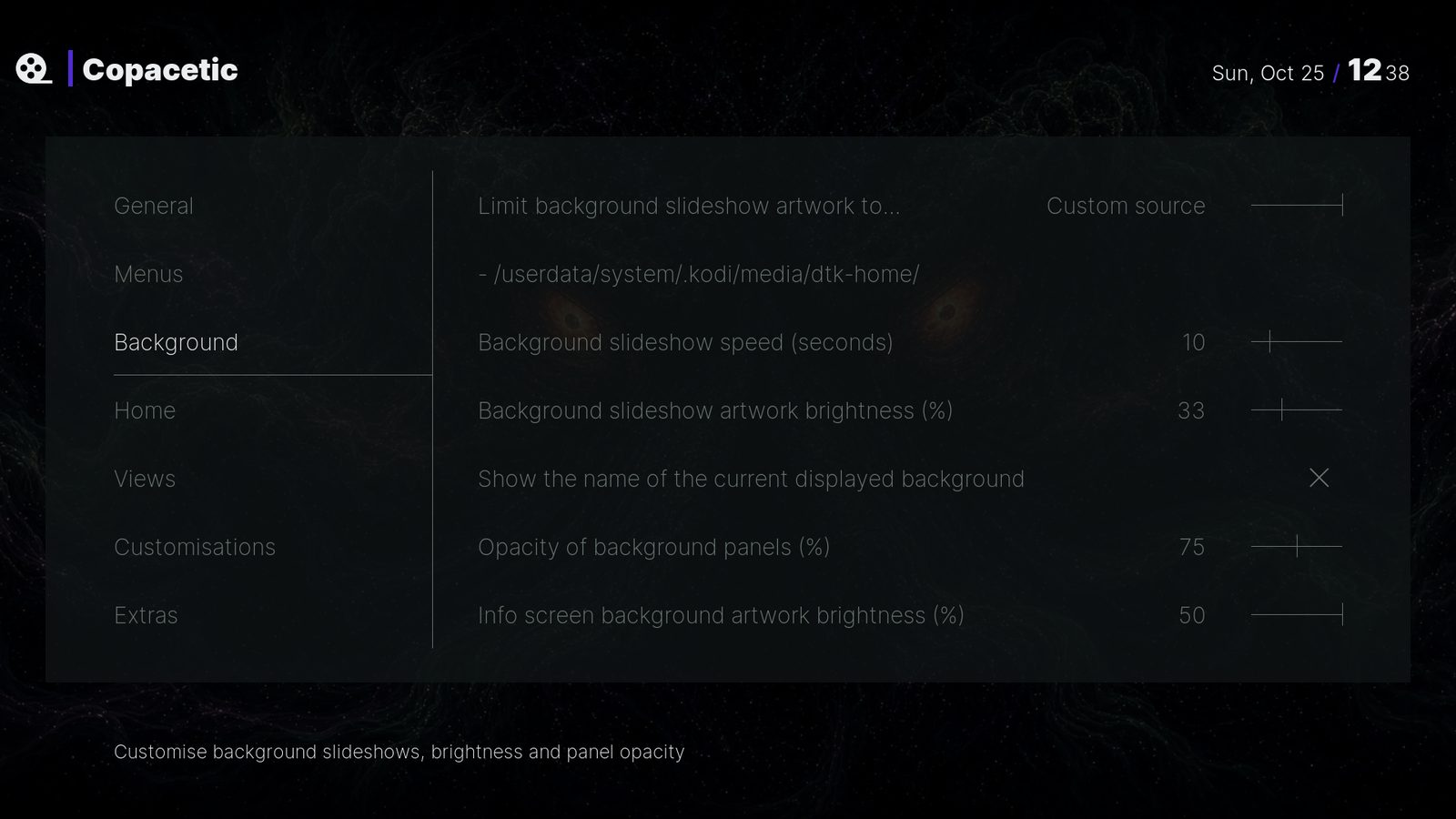
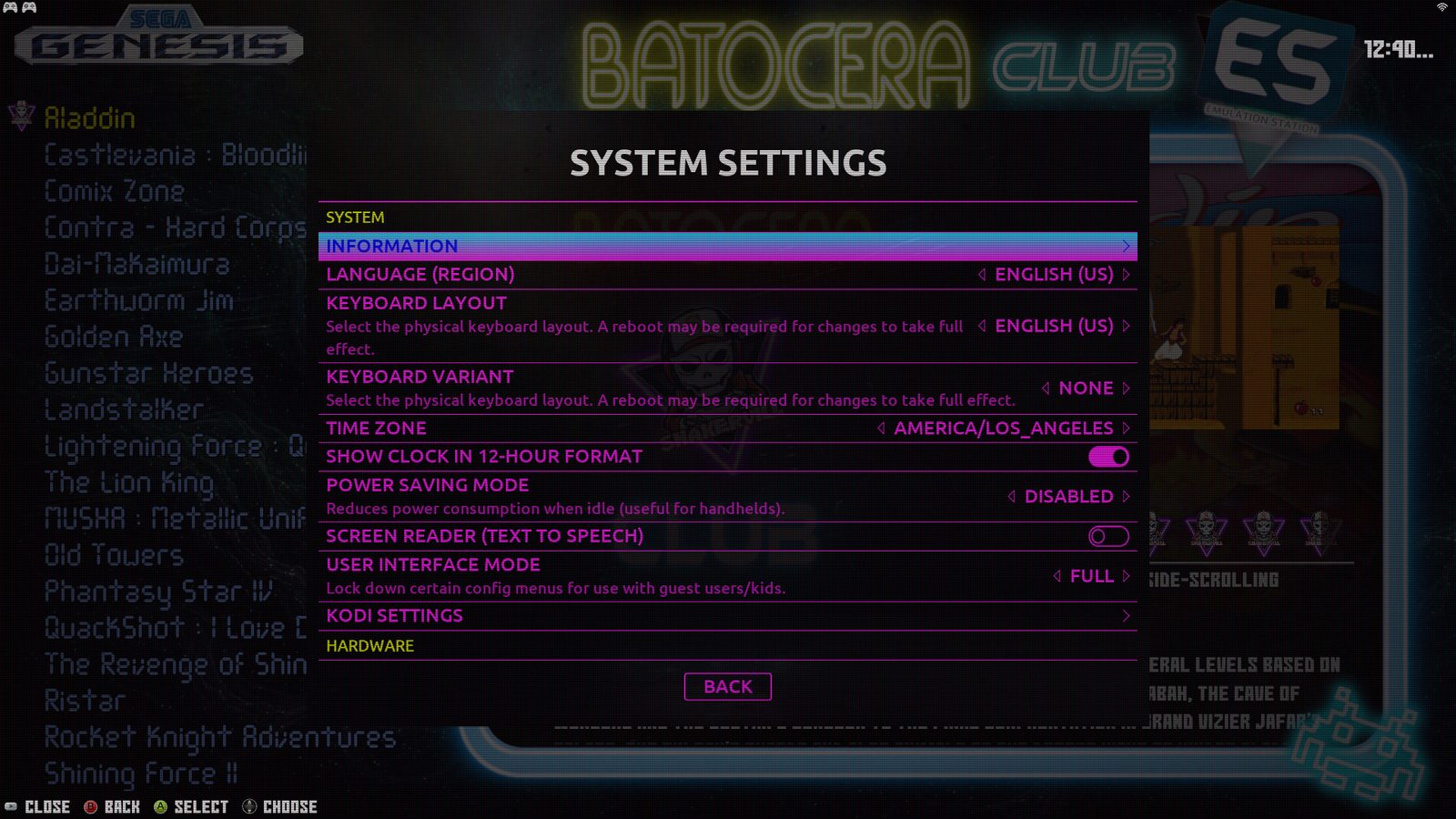
The desk photo is from 12:22 AM on October 25. One frame is the game menu. Then the Kodi home screen at 12:37 AM, the skin’s Background settings at 12:38 AM, and System Settings at 12:40 AM. That is the last screen capture for this build.
What it is
The picture and the game sound go out over HDMI to that lab TV. The machine boots to a Destroy the Kraken Studios splash, then to the game list. Movies and music open in Kodi from the family's own library. That library stays on the home server. It is not copied onto the console disk.
There is no cloud version of this console, no shared drive of games, and no account for other children. The family Minecraft server is a separate project. It is not this machine.
The hardware
The TV is the monitor for this lab. I put a setup on it and watch how it behaves in a real room. The same screen stands in for a conference room, a gaming and media hub, an entertainment center, a classroom display, or digital signage.
Build-out
- Used Lenovo ThinkCentre M93p Tiny. Older small-office hardware, the same class as the Minecraft server. Cheap to buy and cheap to keep.
- Two 8BitDo Pro 2 pads.
- One 8BitDo Arcade Stick.
- A network-attached TV, used as the lab monitor. HDMI in, no extra display adapter.
Do it yourself
Download Batocera for your PC from batocera.org/download and follow the install steps. This walkthrough shows the same job for someone who does not want a command line yet: write the image, boot the PC, and get to the menu.
When Batocera is on the network, open its terminal and paste this one line. It adds my splash and menu settings. It does not add games, a Wi-Fi name, or a ScreenScraper account. The machine reboots when the line finishes.
curl -fsSL https://raw.githubusercontent.com/DestroyTheKraken/retro-house/main/install.py -o /tmp/retro-house-install.py && python3 /tmp/retro-house-install.py && reboot
The script and the theme credits are on GitHub.
If that looks too hard, give me a call and I will install and configure it for $100 an hour, one hour minimum. With my script, that hour covers the install, the setup, and a basic walk-through of the console. You buy the hardware. Contact me if you need recommendations.
Nerd talk
Batocera 43.1 is installed on the internal disk, so the console boots with the USB installer unplugged. I use AI to scaffold. I test and own the result.